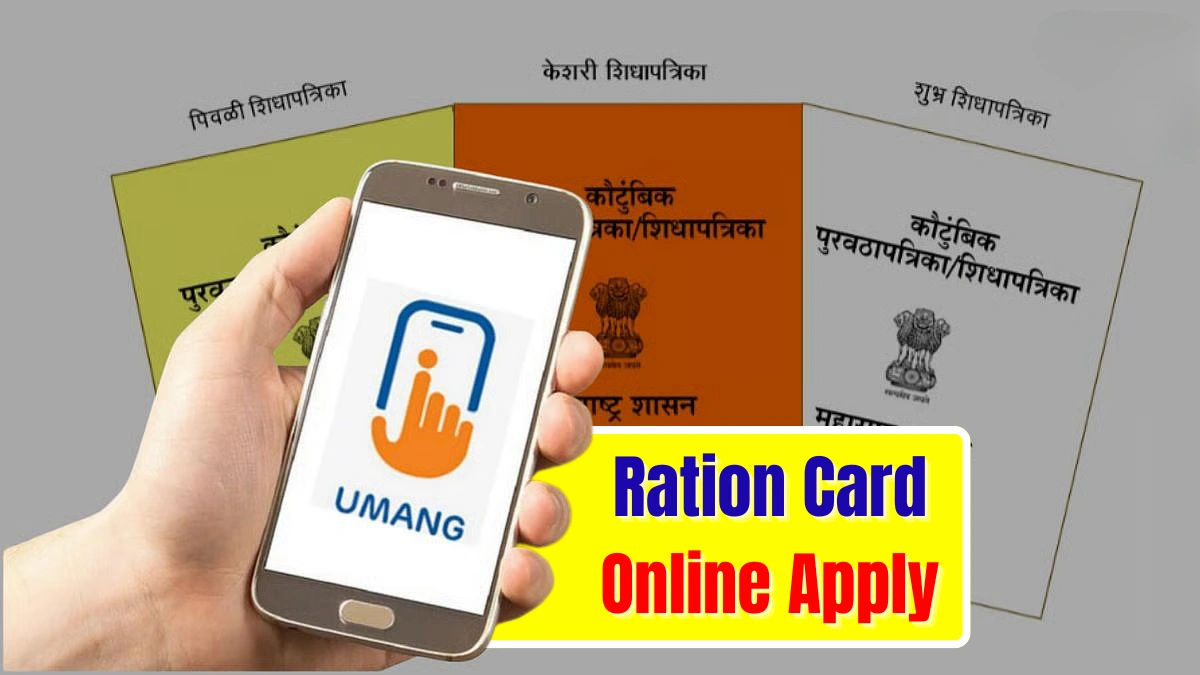
Getting a ration card is essential for Indian families to access subsidised food grains and important government welfare schemes. Earlier, applying for a ration card used to involve long queues and paperwork, but now the process has become simpler with the UMANG mobile app. In 2025, many states and union territories have enabled ration card application services on UMANG, allowing users to submit forms directly from their phones. This guide explains how to apply online and the documents you need to complete the process smoothly.
What is the UMANG App and Why It Matters
UMANG (Unified Mobile Application for New-Age Governance) is a government digital platform that brings hundreds of services under one application. It includes Aadhaar services, PAN services, pension schemes, utility services and even ration card applications. For states that support digital ration card services, UMANG helps citizens apply quickly without visiting government offices. The app simplifies documentation, status tracking and verification through a single interface.

Who Can Apply for a Ration Card on UMANG
Any eligible Indian family can apply for a new ration card as long as their state or UT has activated the service on UMANG. Currently, states like Chandigarh, Dadra & Nagar Haveli, Daman & Diu and a few others support the digital application method. Applicants should ensure they do not already have an active ration card and have valid Aadhaar and identity documents of all family members.
How to Apply for a Ration Card Online Using the UMANG App
Applying via UMANG is easy and takes only a few minutes. Start by downloading the UMANG app from the Google Play Store or Apple App Store and complete your mobile number registration using OTP verification. Once inside the app, open the Services section and find the Utility Services category. Under this section, select the Ration Card option and choose the state in which you want to apply.

Fill in the required information such as head of family details, family member details, address and category of ration card. Upload scanned copies of essential documents like Aadhaar, address proof, photographs and birth certificates if required. Review the details carefully and submit the application. After submission, the app provides an acknowledgment number for tracking the application status anytime.
What Happens After You Apply
Once you complete the online application, the information is forwarded to the Food and Civil Supplies Department of your state. Your documents and Aadhaar details are verified digitally and, in some cases, a field verification may be conducted. After approval, your ration card is issued and notified via SMS or through the UMANG app. Depending on your state’s policy, you may receive a digital ration card or a physical copy delivered to your address.

Why UMANG Makes the Process Faster
Unlike traditional offline methods, UMANG reduces paperwork and eliminates unnecessary visits to government offices. All updates, corrections and tracking can be done through one app. With Aadhaar-based e-KYC and document uploads, the verification becomes quicker, making it easier for families to receive ration cards without delays.
Conclusion: Applying for a ration card online using the UMANG app is one of the easiest and most convenient digital services offered by the government. As more states adopt this system in 2025, citizens can complete the entire process from their mobile phones. By preparing documents in advance and following the steps correctly, families can secure their ration card faster and gain access to essential food subsidies and welfare benefits.

Disclaimer: This article is based on publicly available information about UMANG and digital ration card services. The availability of online application services may vary by state and can change according to government updates. Users should always check the UMANG app or their state’s Food and Civil Supplies Department for the latest details before applying.